Blog English
Facebook Message Templates for Business Broadcast
Aug
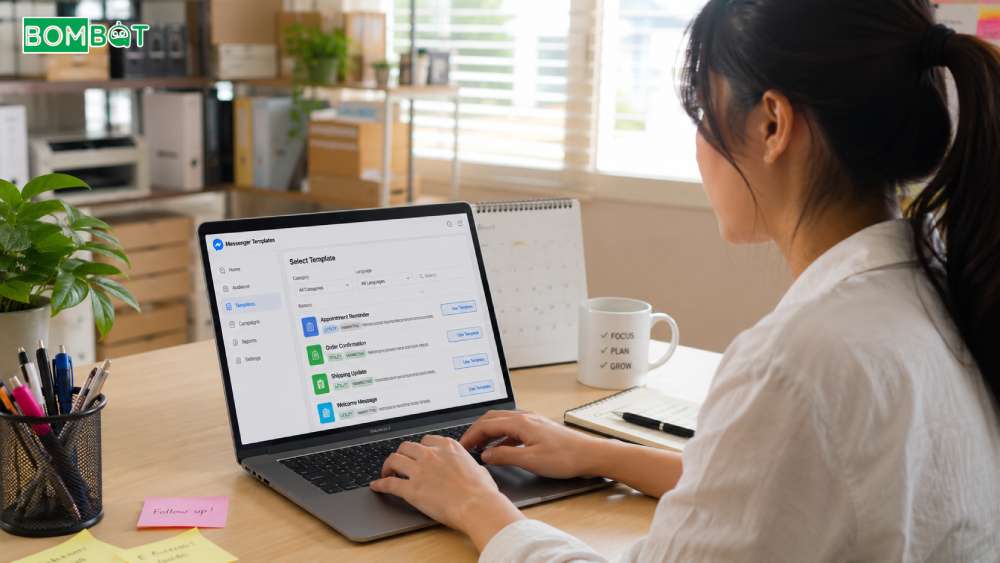
Writing a new message from scratch every time a business needs to reach customers is slow, and it often produces inconsistent, unclear content. Facebook message templates solve this by giving structured formats built for specific business scenarios, from confirming an order to reminding someone about an appointment. For any business running Messenger broadcast regularly, a small set of well-built templates saves time and tends to read as expected, welcome communication rather than generic marketing. This article covers the main template types, when to use each one, and how templates fit into a safer overall broadcast approach.
Facebook message templates are structured, pre-built message formats designed for specific business scenarios, such as order updates, appointment reminders, or event confirmations.
CONTENT
What Message Templates Are Built For
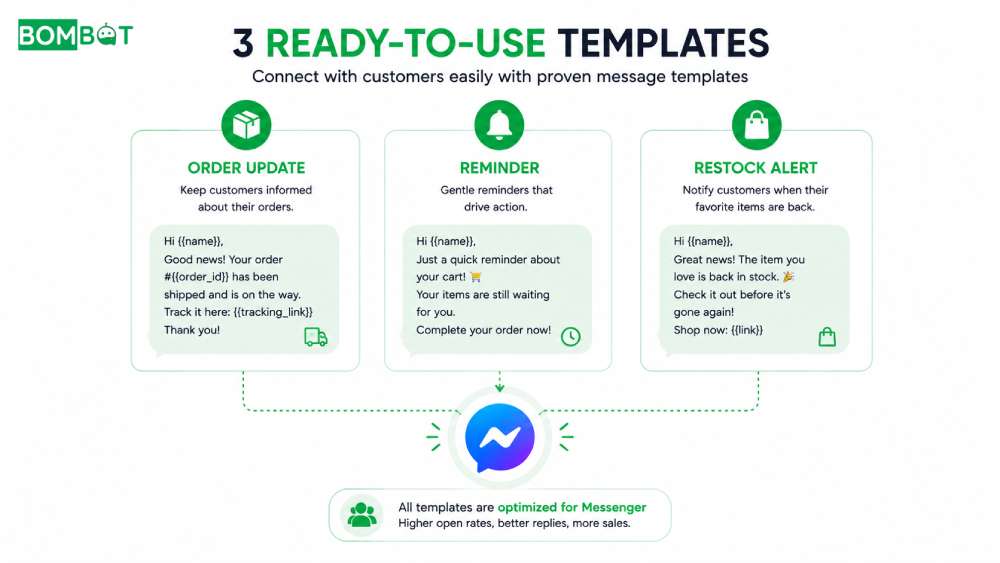
Templates exist to give bulk messages a clear, recognizable shape instead of free-form text that can read as generic marketing. Each template type is tied to a specific business scenario, an order status, a reminder, an availability update, so recipients can immediately understand why they received the message. This structure benefits both the business, which spends less time writing from scratch, and the customer, who gets a message that matches something they actually expected.
Common Template Types for Businesses
Post-Purchase Update Templates
Appointment And Event Reminder Templates
Restock And Availability Alert Templates
Post-purchase templates confirm an order, a shipment, or a delivery, and they tend to arrive while a customer is still inside the 24-hour window from their most recent message, since the update follows directly from something the customer just did. Appointment and event reminders work best sent close to the scheduled time, giving recipients a clear, expected reason for contact. Restock and availability alerts should go only to people who previously asked about the item, since sending them broadly to an entire list is one of the fastest ways to turn avoid a restricted Page from a goal into a missed opportunity.
Why Templates Reduce Restriction Risk
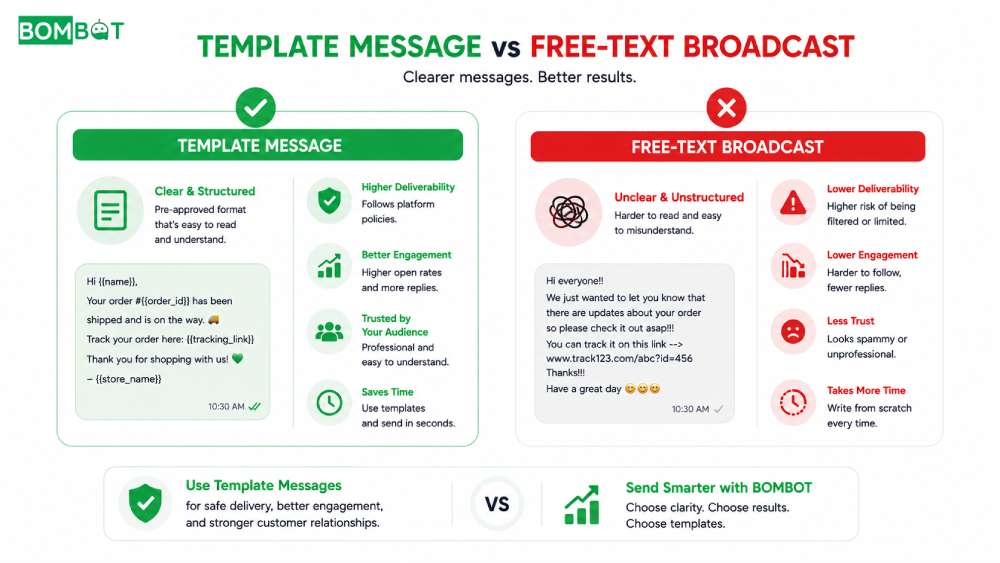
A structured template carries clearer intent than a plain text blast, which makes it easier for both recipients and Facebook’s systems to recognize the message as expected communication rather than unsolicited marketing. This is one of the simplest ways to support a safer Messenger broadcast strategy without changing anything about who a business messages or how often.
Mistakes to Avoid When Using Templates
- Using a promotional template for a scenario the customer never expected, like an unsolicited discount offer.
- Reusing one template for every type of update, even when the content doesn’t match the format.
- Sending template messages to contacts who never interacted with that specific topic.
- Treating templates as a way to bypass normal sending limits.
Frequently Asked Questions About Facebook Message Templates
Are message templates required for every broadcast?
No. Templates are most effective when they are used for recurring and predictable customer scenarios, where the same type of message needs to be sent regularly. However, a one-off announcement does not necessarily require a template and can still be sent as a plain message, provided that it is relevant to the recipients and targeted toward contacts who have been recently active or engaged with the Page.
Do templates guarantee better delivery than a regular message?
Not automatically, but their clear and predictable structure can help reduce spam reports, which may indirectly contribute to more consistent message delivery over time.
Building a Template Library
Building a small library of message templates keeps broadcasts faster to send and easier for customers to recognize. BOMBOT helps you send bulk messages to your Fanpage contacts in multiple formats safely and quickly. Try it free at bombot.vn.
Facebook Messenger Broadcast: The Complete Guide for Businesses Read more
How To Send Bulk Messages With Bombot Watch full
