
Blog English
Why Facebook Pages Get Restricted From Messaging
Aug
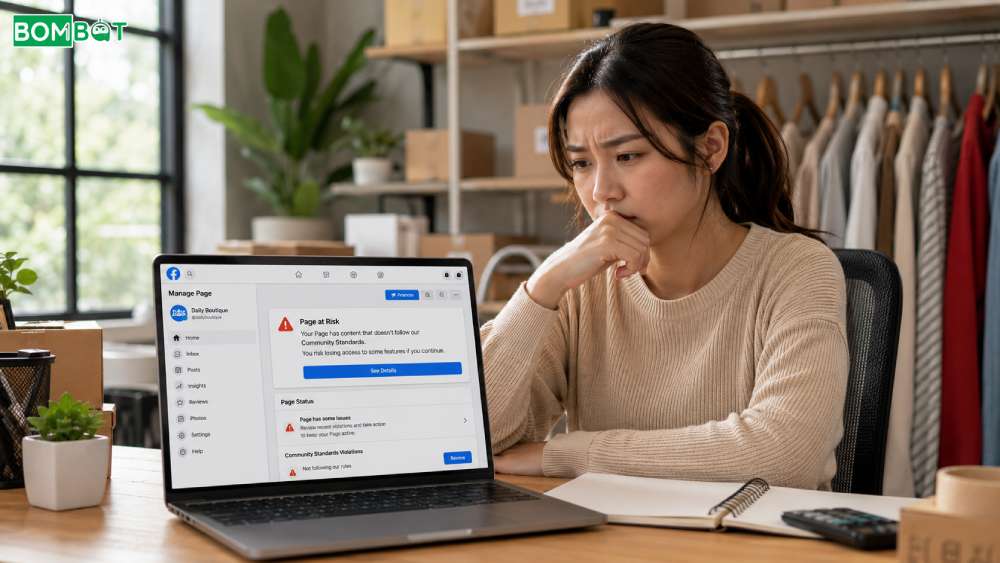
Facebook Pages can go from sending broadcasts normally to suddenly losing the ability to message contacts, often catching business owners off guard. Facebook applies these restrictions to protect users from unwanted bulk messaging, meaning the broadcasts businesses rely on for updates and promotions can put a Page at risk when handled carelessly. This article covers the main reasons Facebook Pages get restricted, the warning signs to watch for, and the best practices for keeping Facebook Messenger broadcasts running safely over the long term.
Facebook Pages are restricted from messaging when Facebook limits or blocks its ability to send messages, usually after repeated spam reports or unsolicited bulk sending.
CONTENT
Why Facebook Pages Get Restricted From Messaging
The most common trigger is a high rate of spam reports relative to messages sent, which happens when recipients did not expect or want the message. Sending broadcast content to contacts well outside the 24-hour messaging window using formats meant only for active conversations is another frequent cause, since it looks to Facebook’s systems like unsolicited contact. A sudden jump in send volume, especially from a Page with no prior bulk-sending history, tends to draw extra scrutiny as well.
Warning Signs Before A Page Gets Restricted From Messaging
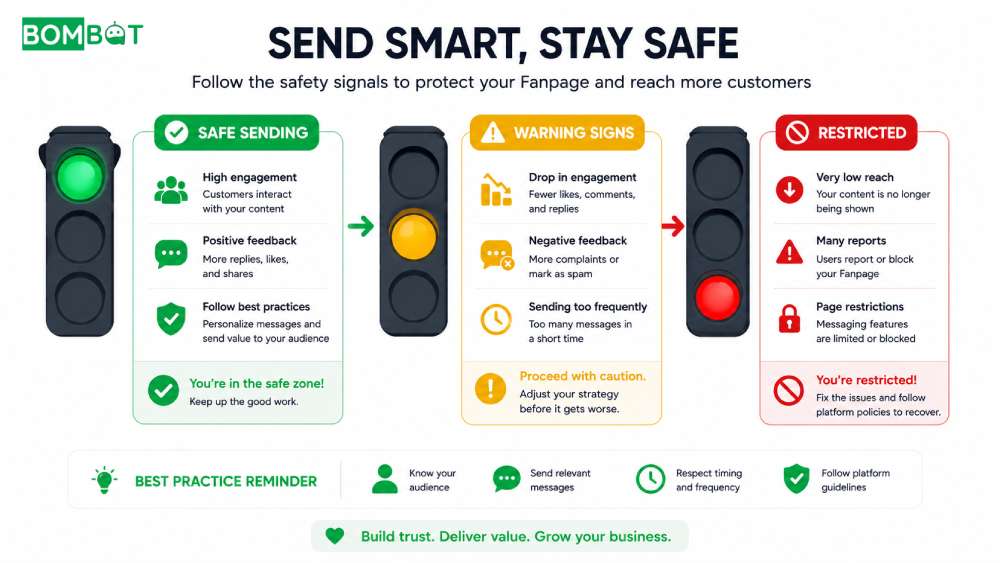
Before a full block, a Page often sees smaller signals first: a temporary limit on starting new conversations, delayed delivery on messages that used to arrive instantly, or a noticeable drop in how many recipients actually open a broadcast. Treating these as early warnings, rather than ignoring them, gives a Page time to adjust sending habits before losing messaging access altogether.
How to Broadcast Without Risking a Restriction
Message Only Engaged Contacts To Avoid Restriction
Space Out Sending Volume To Avoid Restriction
Keep Content Relevant To Avoid Restriction
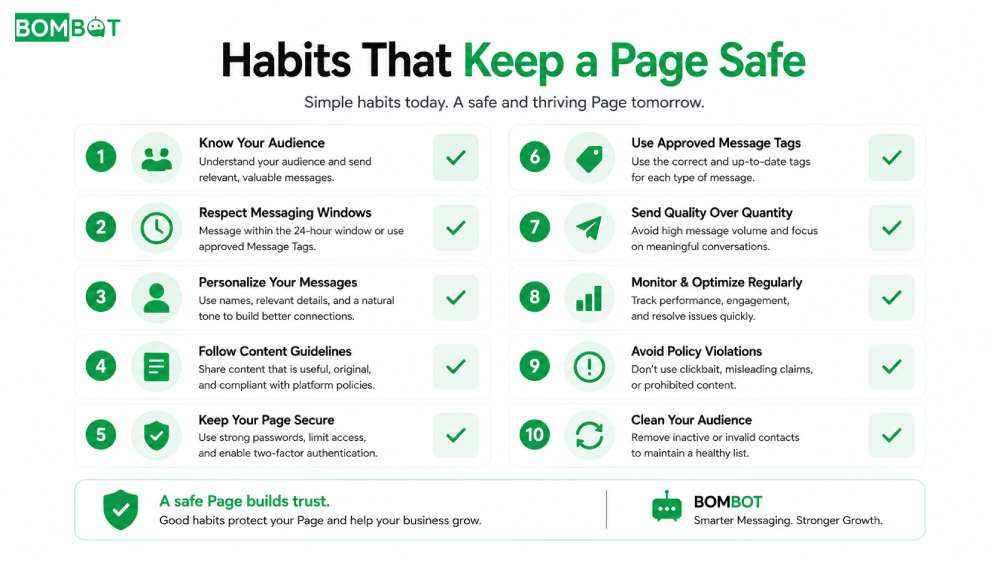
Restricting broadcasts to contacts who have interacted with the Page recently keeps messages inside the window and reduces the chance of a report. Spacing out sending volume, rather than blasting an entire list at once, also lowers risk, since gradual sending looks closer to normal usage than a sudden spike. Relying on structured message templates for repeat scenarios, like restock alerts or order updates, tends to produce clearer, more expected messages than free-form text, which supports the same goals as any well-run Facebook Messenger broadcast: reaching people who actually want to hear from the Page.
Mistakes That Lead To Being Restricted From Messaging
- Buying or importing contact lists instead of using people who messaged the Page directly.
- Sending identical broadcasts multiple times per day.
- Ignoring early warning signs like reduced reach or delayed delivery.
- Never reviewing which past messages received spam reports.
Frequently Asked Questions About Facebook Pages Restricted From Messaging
How long does a Facebook messaging restriction usually last?
It varies by severity, from a short review period to a longer block, and Facebook does not publish a fixed timeline for every case.
Can a restricted Page recover its full messaging ability?
In many cases, yes, once sending behavior returns to normal and spam reports stop, though recovery is not guaranteed for repeated or severe violations.
Keeping A Page From Getting Restricted From Messaging
Avoiding a messaging restriction comes down to sending relevant broadcasts to people who actually want them. BOMBOT helps by sending bulk messages to your Fanpage contacts safely, keeping your Page in good standing. Try it free at bombot.vn.
Facebook 24-Hour Messaging Window Explained Read more
How To Send Bulk Messages With Bombot Watch full
